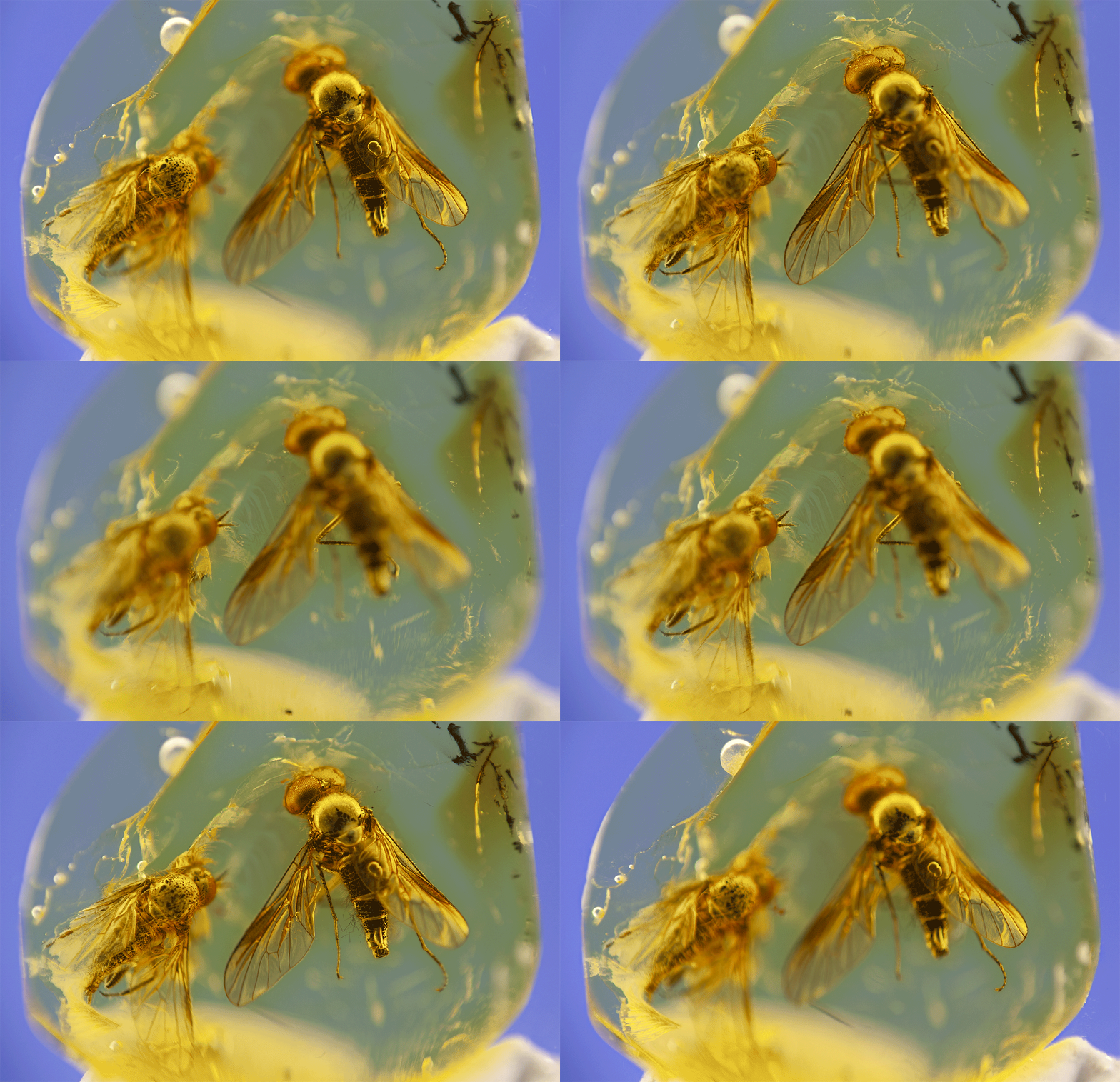
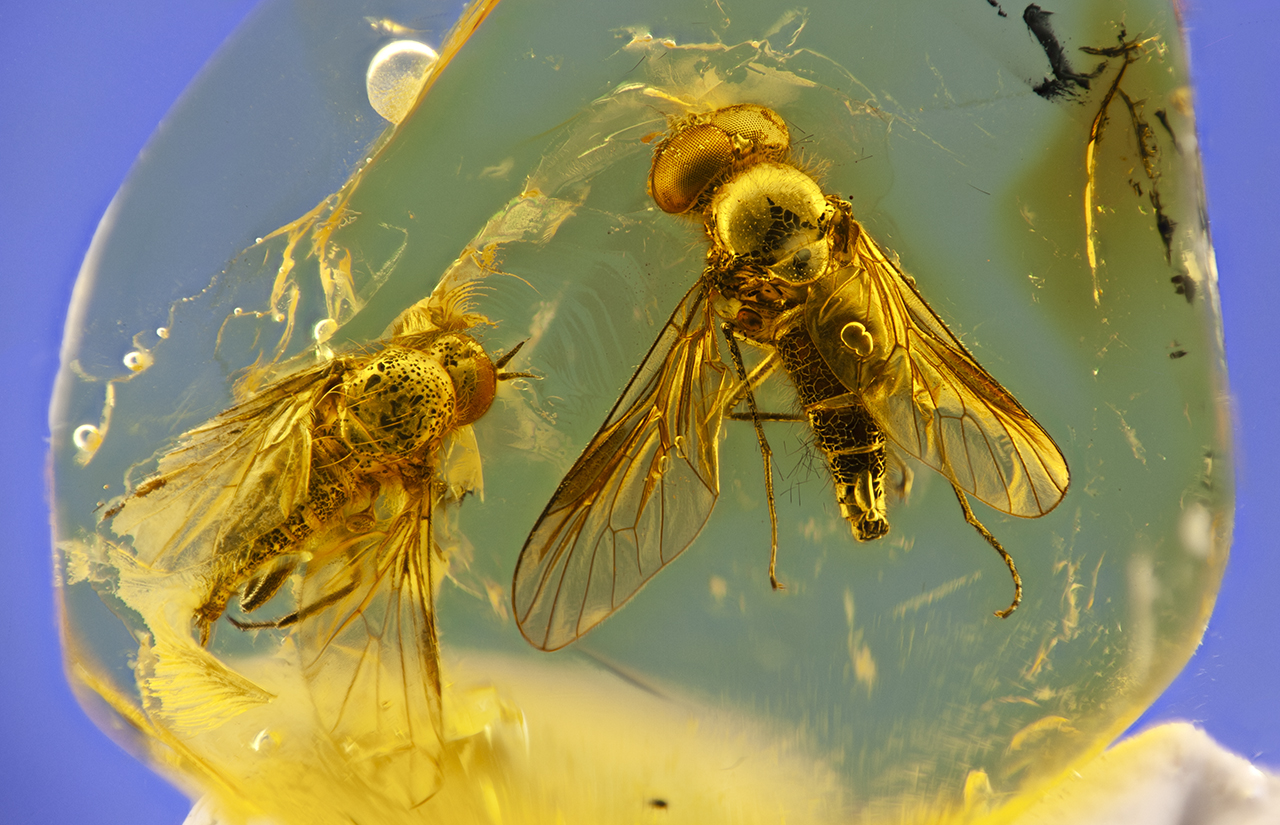
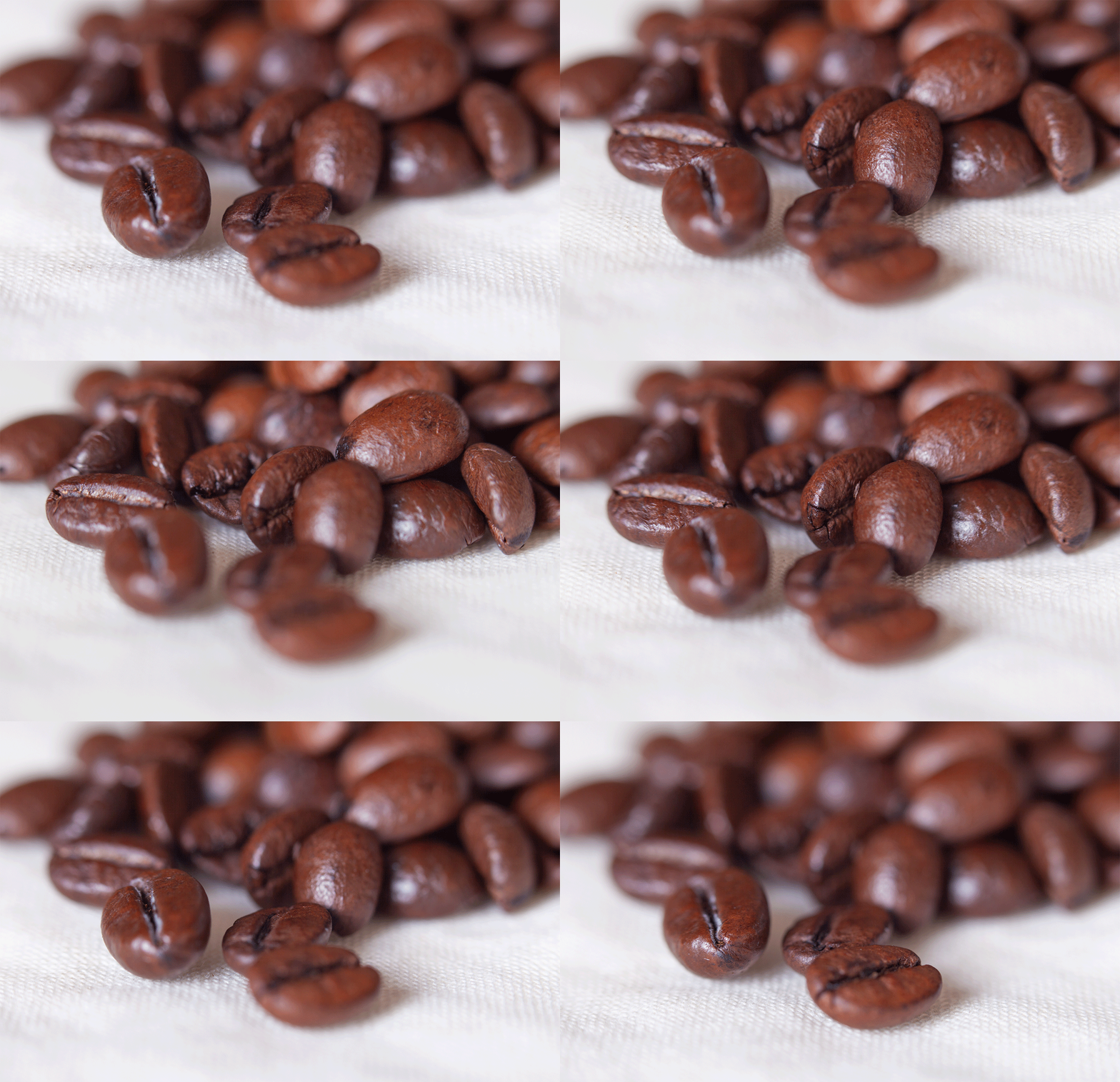
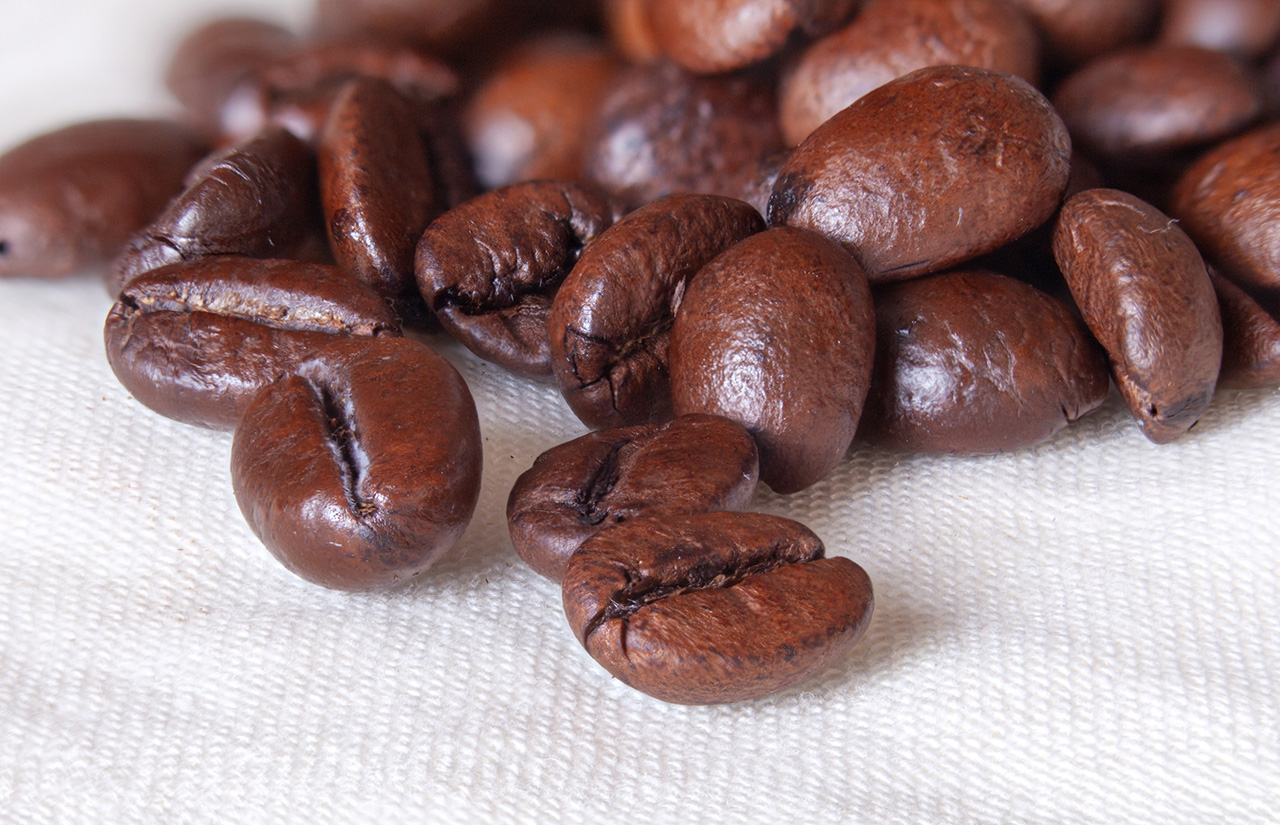
 > **Focus stacking** for microscopy, macro photography, and computational imaging
## Key Features
- 📸 **Image Formats**: JPEG, 8 and 16 bits TIFF and PNG and most of RAW formats are supported as input; output can be JPEG, 8 and 16 bits TIFF and PNG
- 🚀 **Batch Processing**: Align, balance, and stack hundreds of images
- 🧩 **Modular Architecture**: Mix-and-match processing modules
- 🖌️ **Retouch Editing**: Final interactive retouch of stacked image from individual frames
- 📊 **Jupyter Integration**: Image processing python notebooks
## Quick start
### Command Line Processing
```python
from shinestacker.algorithms import *
# Minimal workflow: Alignment → Stacking
job = StackJob("demo", "/path/to/images", input_path="src")
job.add_action(CombinedActions("align", [AlignFrames()]))
job.add_action(FocusStack("result", PyramidStack()))
job.run()
```
## Installation
Clone the package from GitHub:
```bash
git clone https://github.com/lucalista/shinestacker.git
cd shinestacker
pip install -e .
```
## GUI Workflow
Launch GUI
```bash
shinestacker
```
Follow [GUI guide](gui.md) for batch processing and retouching.
## Advanced Processing Pipeline
```python
from shinestacker import *
job = StackJob("job", "E:/focus_stacking/project_directory/", input_path="tiff_images")
job.add_action(CombinedActions("align", actions=[AlignFrames(), BalanceFrames()]))
job.add_action(FocusStackBunch("batches", PyramidStack(), frames=12, overlap=2))
job.add_action(FocusStack("stack", PyramidStack(), prefix='pyram_'))
job.add_action(FocusStack("stack", DepthMapStack(), prefix='dmap_'))
job.run()
```
## Workflow Options
| Method | Best For |
|-------------------|------------------|
| Python API | batch processing |
| GUI Interactive | refinement |
| Jupyter notebooks | prototyping |
## Documentation Highlights
### Core Processing
- [Graphical User Interface](gui.md)
- [Image alignment](alignment.md)
- [Luminosity and color balancing](balancing.md)
- [Stacking algorithms](focus_stacking.md)
### Advanced Modules
- [Noisy pixel masking](noise.md)
- [Vignetting correction](vignetting.md)
- [Multilayer image](multilayer.md)
## Requirements
* Python: 3.12, 3.14
* RAM: 16GB+ recommended for >15 images at 20Mpx resolution
## Dependencies
### Core processing
```bash
pip install imagecodecs matplotlib numpy opencv-python pillow psdtags psutil rawpy scipy setuptools-scm tifffile tqdm
```
## GUI support
```bash
pip install argparse PySide6 jsonpickle webbrowser
```
## Jupyter support
```bash
pip install ipywidgets
```
## Known Issues
* EXIF data not supported for 16-bit PNG files and 16-bit TIFF.
* EXIF data from RAW image may be incomplete, depending on the camera manifacturer
* Not all EXIF exposure data in TIFF files may be correctly visible in Adobe PhotoShop. Export as JPEG for full Photoshop EXIF compatibility, if needed. Note that Shine Stacker allows to read a TIFF file, import EXIF from a JPEG, and save in JPEG format including the imported EXIF. This allows to preserve EXIF data in the final JPEG file.
* Windows with ARM64 architecture is not supported in a straightforward way due to missing builds of some of the used libraries
* GUI tests are limited. Please, report any bugs as [GitHub issuse](https://github.com/lucalista/shinestacker/issues/).
> **Focus stacking** for microscopy, macro photography, and computational imaging
## Key Features
- 📸 **Image Formats**: JPEG, 8 and 16 bits TIFF and PNG and most of RAW formats are supported as input; output can be JPEG, 8 and 16 bits TIFF and PNG
- 🚀 **Batch Processing**: Align, balance, and stack hundreds of images
- 🧩 **Modular Architecture**: Mix-and-match processing modules
- 🖌️ **Retouch Editing**: Final interactive retouch of stacked image from individual frames
- 📊 **Jupyter Integration**: Image processing python notebooks
## Quick start
### Command Line Processing
```python
from shinestacker.algorithms import *
# Minimal workflow: Alignment → Stacking
job = StackJob("demo", "/path/to/images", input_path="src")
job.add_action(CombinedActions("align", [AlignFrames()]))
job.add_action(FocusStack("result", PyramidStack()))
job.run()
```
## Installation
Clone the package from GitHub:
```bash
git clone https://github.com/lucalista/shinestacker.git
cd shinestacker
pip install -e .
```
## GUI Workflow
Launch GUI
```bash
shinestacker
```
Follow [GUI guide](gui.md) for batch processing and retouching.
## Advanced Processing Pipeline
```python
from shinestacker import *
job = StackJob("job", "E:/focus_stacking/project_directory/", input_path="tiff_images")
job.add_action(CombinedActions("align", actions=[AlignFrames(), BalanceFrames()]))
job.add_action(FocusStackBunch("batches", PyramidStack(), frames=12, overlap=2))
job.add_action(FocusStack("stack", PyramidStack(), prefix='pyram_'))
job.add_action(FocusStack("stack", DepthMapStack(), prefix='dmap_'))
job.run()
```
## Workflow Options
| Method | Best For |
|-------------------|------------------|
| Python API | batch processing |
| GUI Interactive | refinement |
| Jupyter notebooks | prototyping |
## Documentation Highlights
### Core Processing
- [Graphical User Interface](gui.md)
- [Image alignment](alignment.md)
- [Luminosity and color balancing](balancing.md)
- [Stacking algorithms](focus_stacking.md)
### Advanced Modules
- [Noisy pixel masking](noise.md)
- [Vignetting correction](vignetting.md)
- [Multilayer image](multilayer.md)
## Requirements
* Python: 3.12, 3.14
* RAM: 16GB+ recommended for >15 images at 20Mpx resolution
## Dependencies
### Core processing
```bash
pip install imagecodecs matplotlib numpy opencv-python pillow psdtags psutil rawpy scipy setuptools-scm tifffile tqdm
```
## GUI support
```bash
pip install argparse PySide6 jsonpickle webbrowser
```
## Jupyter support
```bash
pip install ipywidgets
```
## Known Issues
* EXIF data not supported for 16-bit PNG files and 16-bit TIFF.
* EXIF data from RAW image may be incomplete, depending on the camera manifacturer
* Not all EXIF exposure data in TIFF files may be correctly visible in Adobe PhotoShop. Export as JPEG for full Photoshop EXIF compatibility, if needed. Note that Shine Stacker allows to read a TIFF file, import EXIF from a JPEG, and save in JPEG format including the imported EXIF. This allows to preserve EXIF data in the final JPEG file.
* Windows with ARM64 architecture is not supported in a straightforward way due to missing builds of some of the used libraries
* GUI tests are limited. Please, report any bugs as [GitHub issuse](https://github.com/lucalista/shinestacker/issues/).